
Preventing Fall Screen Fatigue in Crook County Students: Parent’s Guide to Digital Eye Strain

As fall school routines settle in across Crook County, students spend more time using computers, tablets, and other digital devices for homework, classroom activities, and entertainment. While technology supports learning, extended screen use can lead to digital eye strain, causing discomfort that makes it harder to stay focused. At Ochoco Vision Source in Prineville, OR, we want parents to recognize the signs of screen fatigue and understand how to support their children's eye health throughout the school year.
Why Digital Eye Strain Increases During Fall
With shorter days and more indoor activities, students often spend additional hours looking at screens. Extended periods of near work can strain the eyes' focusing system, while reduced blinking during screen use can contribute to dryness and irritation.
mage, but it can cause temporary discomfort that affects reading, concentration, and schoolwork.
For Crook County students managing busy academic schedules, developing healthy screen habits can help reduce these symptoms.
Common Signs of Digital Eye Strain in Children
Children may not always recognize when their eyes are tired or uncomfortable. Parents should watch for symptoms that become more noticeable after homework, online assignments, or recreational screen time.
Common signs include:
Frequent headaches after extended screen use
Dry, irritated, or watery eyes
Blurry vision when switching between near and distant objects
Squinting or rubbing the eyes during homework
Difficulty concentrating on reading or digital assignments
These symptoms can also indicate uncorrected vision problems or other eye conditions. If your child regularly experiences discomfort, a comprehensive eye exam can help identify the cause.
Simple Ways to Reduce Screen Fatigue at Home
Parents in Prineville can encourage several habits to make digital learning more comfortable.
The 20-20-20 rule is a practical starting point. Encourage your child to look at something approximately 20 feet away for 20 seconds every 20 minutes. These regular breaks give the eyes an opportunity to relax from prolonged near work.
Proper screen positioning also matters. Keep computer monitors approximately an arm's length away, with the screen slightly below eye level. Adjust brightness to match the surrounding environment and reduce reflections from windows or overhead lighting.
Encourage children to blink fully and regularly, especially during concentrated screen activities. Balancing recreational screen time with outdoor activities can also support healthy visual habits.
How Comprehensive Eye Exams Support Student Vision
Digital eye strain is not always caused by screen use alone. Undetected nearsightedness, farsightedness, astigmatism, or eye coordination difficulties can contribute to headaches and visual discomfort.
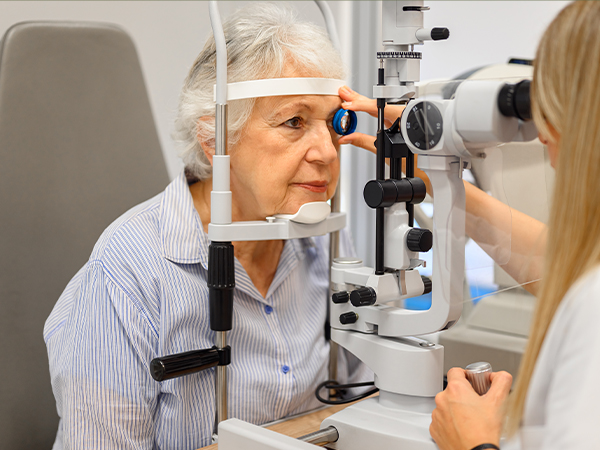
At Ochoco Vision Source, our comprehensive eye exams evaluate visual clarity, focusing abilities, and overall eye health. We can determine whether prescription eyewear or other individualized recommendations may help your child see more comfortably.
Even students who pass school vision screenings may have visual concerns that require a more thorough evaluation.
Help Your Child Stay Comfortable Throughout the School Year
As Crook County students continue their fall academic routines, consistent screen breaks, comfortable study environments, and appropriate vision care can make daily learning more comfortable.
If your child experiences frequent headaches, blurry vision, or discomfort during screen activities, contact Ochoco Vision Source in Prineville, OR, at (541) 416-2020 to schedule a comprehensive eye exam and learn how we can support their visual comfort.
Quick Links
Helpful Articles
All Eye Care Services
Find personalized eye care excellence with our comprehensive services. From eye exams to advanced diagnostics, trust us for all your vision needs.
© 2026 Ochoco Vision Source. All rights Reserved - Accessibility Statement - Privacy Policy - Sitemap
Managed and Designed by 